🤖 Agent Prompt
How to Install #
Foundation #
Both Foundation and Toolkit resolve their own dependencies automatically through Heathen Toolbox — if Toolbox isn’t already in your project, either package will prompt you to install it once, and Toolbox takes care of the rest (Foundation, GameplayTags, Lexicon, Game Framework). You only need the manual Git URL install below if you’re not using Toolbox at all.
Install the Ogham Storyteller Foundation via Unity Package Manager’s “Add from Git URL:
https://codeberg.org/Heathen-Engineering/Unity-Ogham-Storyteller-Foundation.git?path=/com.heathen.oghamfoundation
Learn more at:
https://codeberg.org/Heathen-Engineering/Unity-Ogham-Storyteller-Foundation
Toolkit #
With Source Access, installing from the Toolkit’s repository on our Git server is the preferred and recommended method of install.
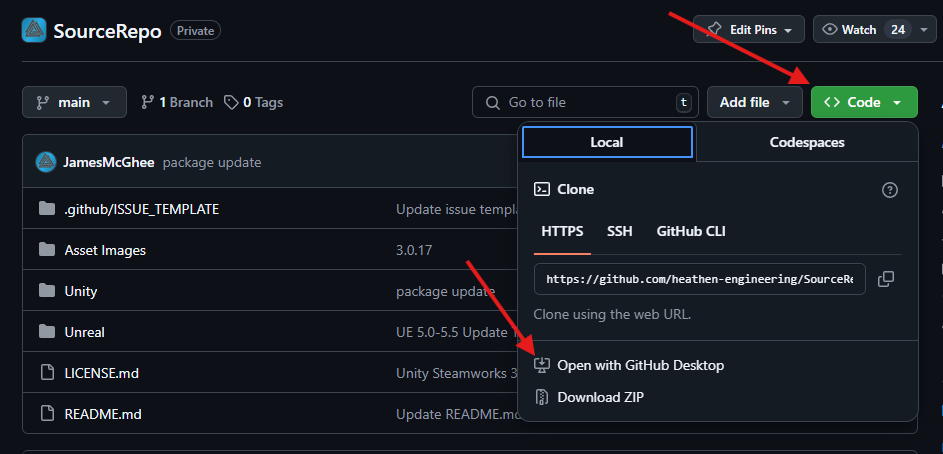
We strongly recommend you clone the repository to your local disk. The simplest way to do this is to use a Git client of your choice (the git command line, or a GUI client such as Fork or GitKraken). Once you have one installed, you can easily clone any repository to your local disk.
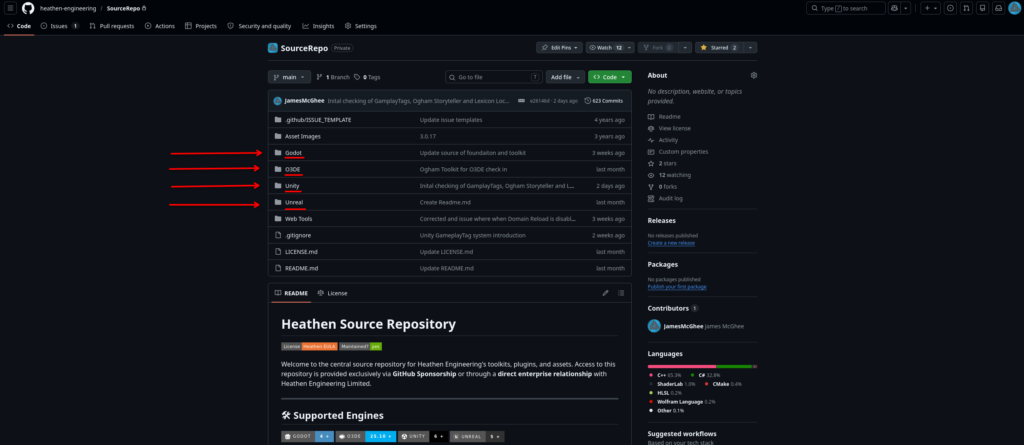
Within the repository you will find a folder for each of the supported engines.
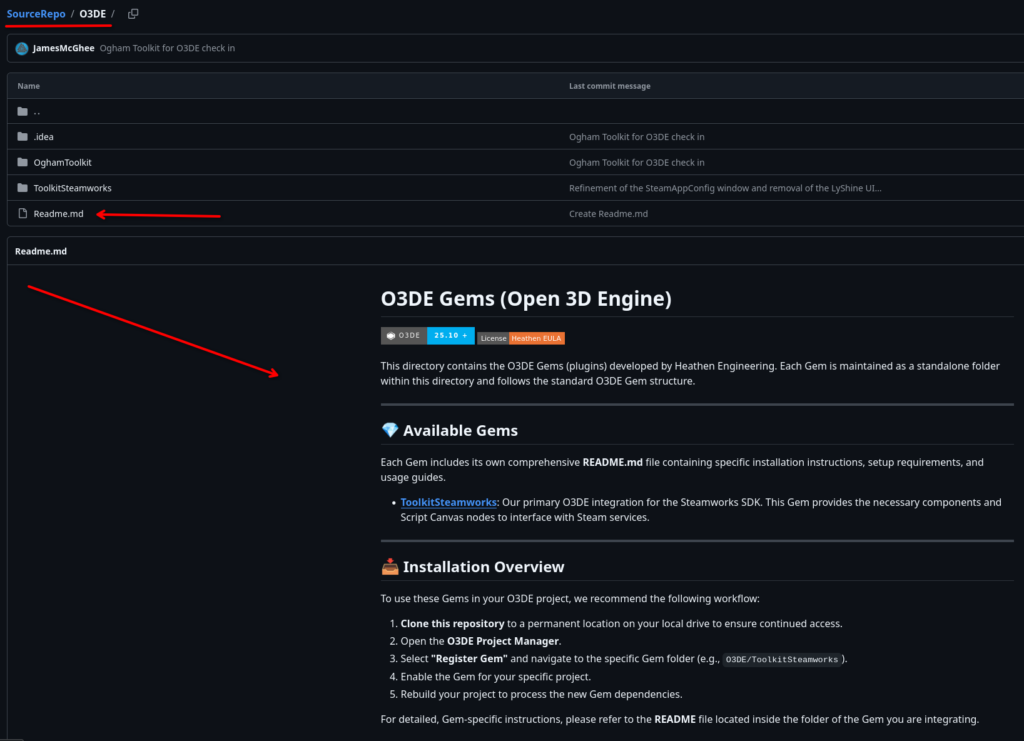
Within each engine folder you will find engine specific instructions on how to find and install the plugins for your engine