🤖 Agent Prompt
How to Install #
Installing from Git is the preferred and recommended method of install. Foundation repositories are open on Codeberg, and Toolkit repositories are on our Git server with Source Access.
We strongly recommend you clone the repository to your local disk. The simplest way to do this is to use a Git client of your choice (the git command line, or a GUI client such as Fork or GitKraken). Once you have one installed, you can easily clone any repository to your local disk.
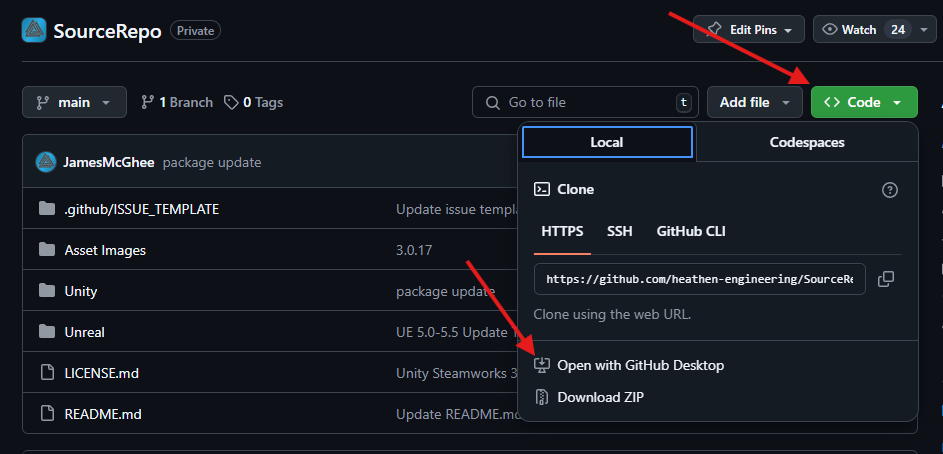
Once you have the repository cloned to your local disk you can use Unity’s Package Manager to import any of the packages you like into your project.
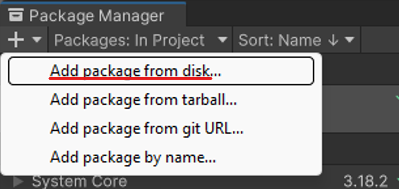
- Open the Unity Package Manager
- Click the + button
- Select the “Add from Disk” option
- Select the package.json for the asset you would like to import
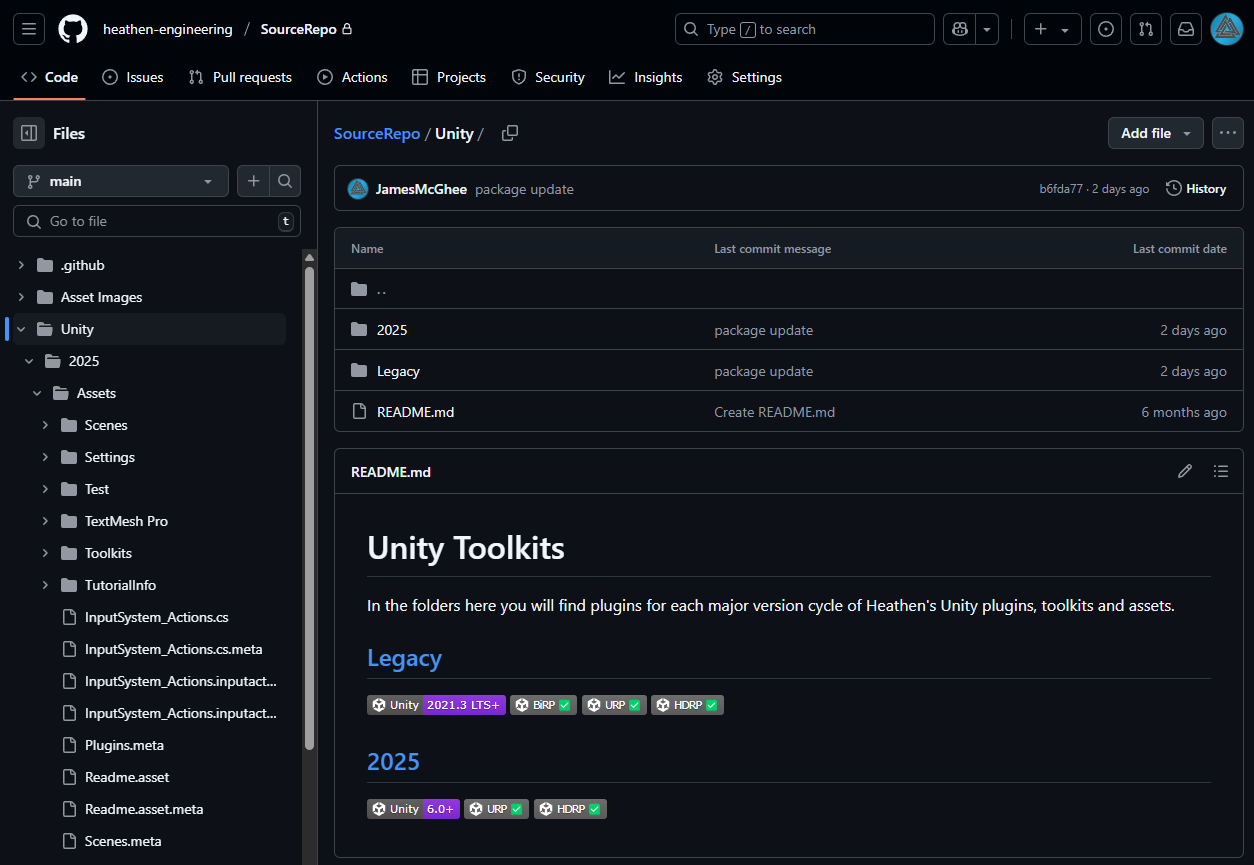
You can follow the instructions in the Git Repo to guide you to each package. Here is a screenshot of the document … give it a read.
Samples #
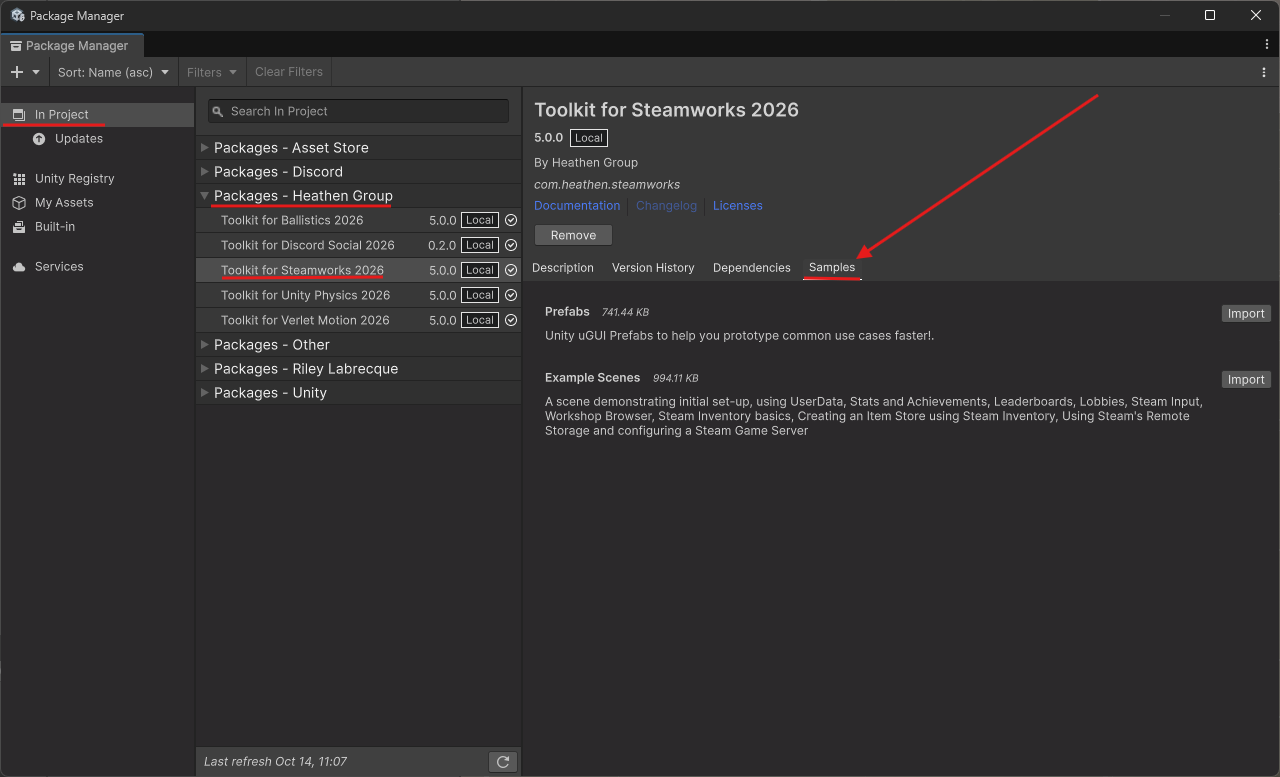
No matter where you licensed and installed the package from installing the samples is the same.
- Open the Unity Package Manager
- [Important] Click the “In Project” tab
- Find the “Packages – Heathen Group” grouping
- Select “Toolkit for Steamworks SDK”
- Select the “Samples” tab.